Advertising disclosure: Findstack offers objective, editorially independent comparisons to
help you find the best software. Some links on this page are affiliate links — we may earn a commission when you
visit a vendor through our links, at no additional cost to you. Affiliate relationships never influence our ratings,
rankings, or reviews. Disclosure policy |
Methodology

doola
No reviews yet

QuickBooks Self-Employed
No reviews yet
Also worth a look: QuickBooks Online

QuickBooks Online
AI
API
4.1
(3,202)
Starting at $30.00/month
As one of the best known accounting and financial software companies today, Quickbooks offers a combin...
Learn more about QuickBooks Online
At a Glance
Overview
doola is a SaaS platform that enables entrepreneurs—especially international founders—to form and run U.S.-based businesses entirely online. It provides entity formation (LLC or C-Corp), EIN issuance, registered agent and virtual address services, bookkeeping and reconciliation, federal and state... Learn more
Capabilities
- AI Enabled
- API Available
- Open Source
- CLI Available
No images available
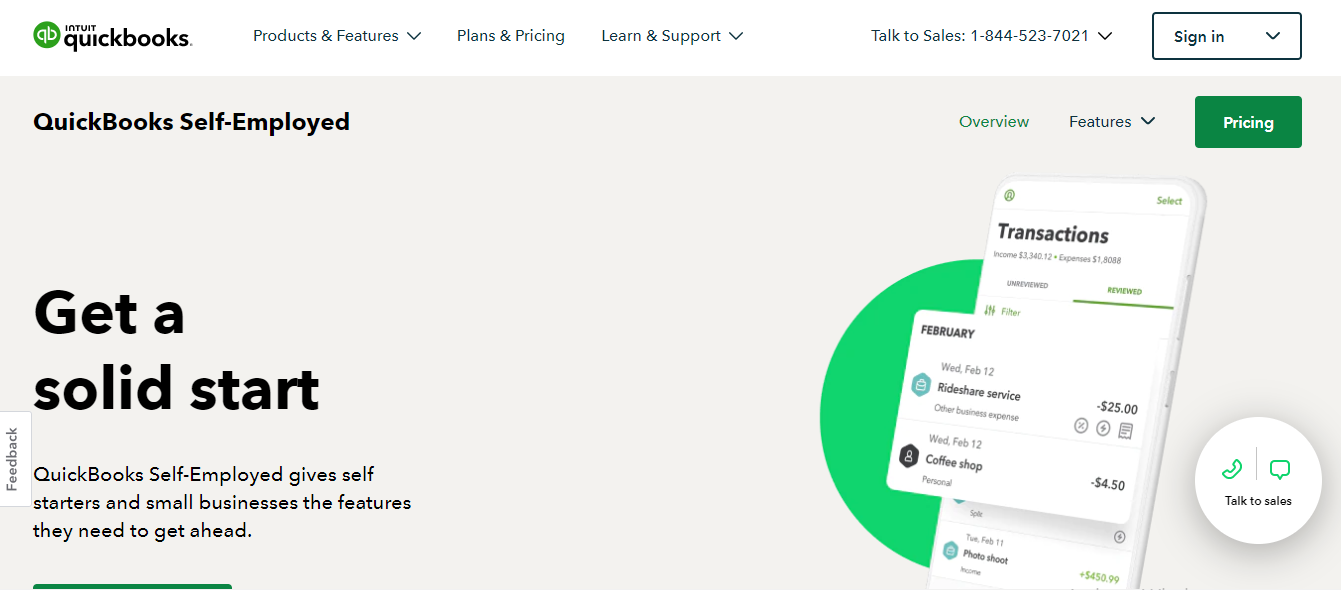
QuickBooks Self-Employed gives freelancers and small businesses the features they need to thrive and succeed with their businesses. It stores, and organizes receipts and expenses, making sure that everything is readily accessible to users so they can easily track mileage, and prep for taxes, fro... Learn more
Capabilities
- AI Enabled
- API Available
- Open Source
- CLI Available
Images
View 5 images
Exclusive Deals
Discover Amazing Software Deals on Findstack
Get access to up to $900,000+ in savings on the best software to scale your business.
Pricing
Free trial available
Free plan available
Billing type
Recurring Subscription
Starter
$297.00
/ year
Pulse
$300.00
/ year
Business-in-a-Box (monthly)
$329.00
/ month
Tax & Compliance
$1999.00
/ year
Business-in-a-Box (annual)
$2999.00
/ year
Free trial available
Free plan available
Billing type
Recurring Subscription
Self-Employed
$7.00
/ month
Self-Employed Tax Bundle
$12.00
/ month
Self-Employed Live Tax Bundle
$17.00
/ month
Pros and Cons
- Comprehensive feature set covering entity formation through ongoing compliance, taxes, bookkeeping, and analytics.
- Supports non-U.S. residents and does not require SSN or U.S. residency for formation via API.
- Strong partner and API options: white label, embed (iFrame), sandbox, and webhooks.
- Integrates with e-commerce platforms and payment processors; supports multiple bank account connections.
- Offers an AI assistant (“AI Co-founder”) to guide founders.
- State filing fees are separate and variable.
- Higher-level features (tax filings, dedicated bookkeeper, expedited EIN) are available only in expensive tiers.
- Multi-language product UI support beyond the marketing site is not clearly documented.
- Closed-source product; no open-source components identified.
- No obvious public demo video surfaced in available sources.
Not enough data available.
Not enough data available.
Reviewer's Segments
Insufficient data to show segment split
Insufficient data to show segment split
Deployment
- Cloud based
- Desktop based
- Mobile based
- On-premise
- Cloud based
- Desktop based
- Mobile based
- On-premise
Support
- 24/7 (Live rep)
- Chat
- Email/Help Desk
- FAQs/Forum
- Knowledge Base
- Phone Support
- 24/7 (Live rep)
- Chat
- Email/Help Desk
- FAQs/Forum
- Knowledge Base
- Phone Support
Training
- Documentation
- Documentation
Integrations
Total integrations:
1
- Everlance
- Expensify
- FreshBooks
- Hubdoc
- PayPal Payments Pro
- Shopify
- Square Payroll
Total integrations:
7
- Everlance
- Expensify
- FreshBooks
- Hubdoc
- PayPal Payments Pro
- Shopify
- Square Payroll
Top Alternatives
Categories
Common categories include: Accounting Software.
Company Details
- By doola
- Located in New York, NY
- Founded in 2020
- By Intuit Inc.
- Located in Mountain View, California, United States
- Founded in 1983