Findstack
offers objective and comprehensive comparisons to help you find the best
software. We may earn a referral fee when you visit a vendor through our
links.
Learn more
Corel PaintShop Pro
No reviews yet
Start selling digital products with Crevio

5.0
(1)
Free plan available
Crevio is a platform for creators to sell digital products, services, courses and access to other 3rd-...
Learn more about Crevio
At a Glance
Overview

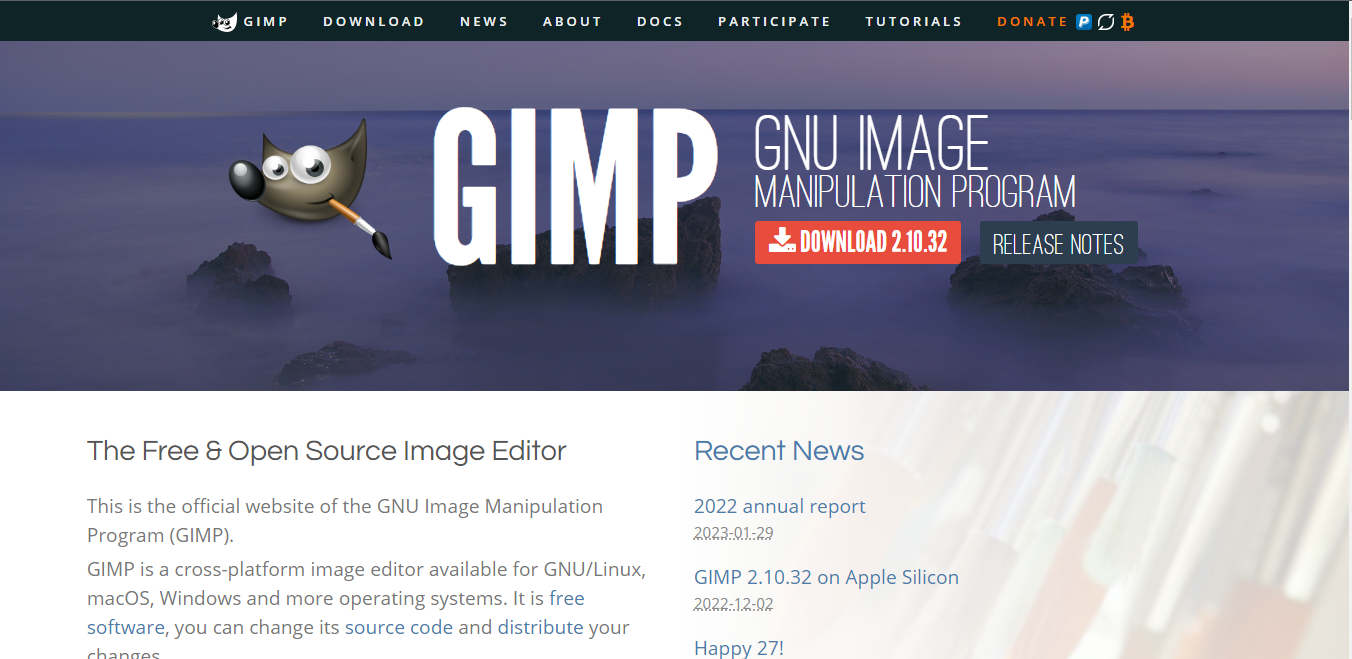
The Gnu Image Manipulation Project, or GIMP, is a well-known alternative to Photoshop, given its affordability and similar features, including the ability to work with professional layers and fine-tune snap functionality. GIMP has a full photo editing interface available which you can customize t... Learn more
Capabilities
- AI Enabled
- API Available
- Open Source
- CLI Available
Images
View 4 images
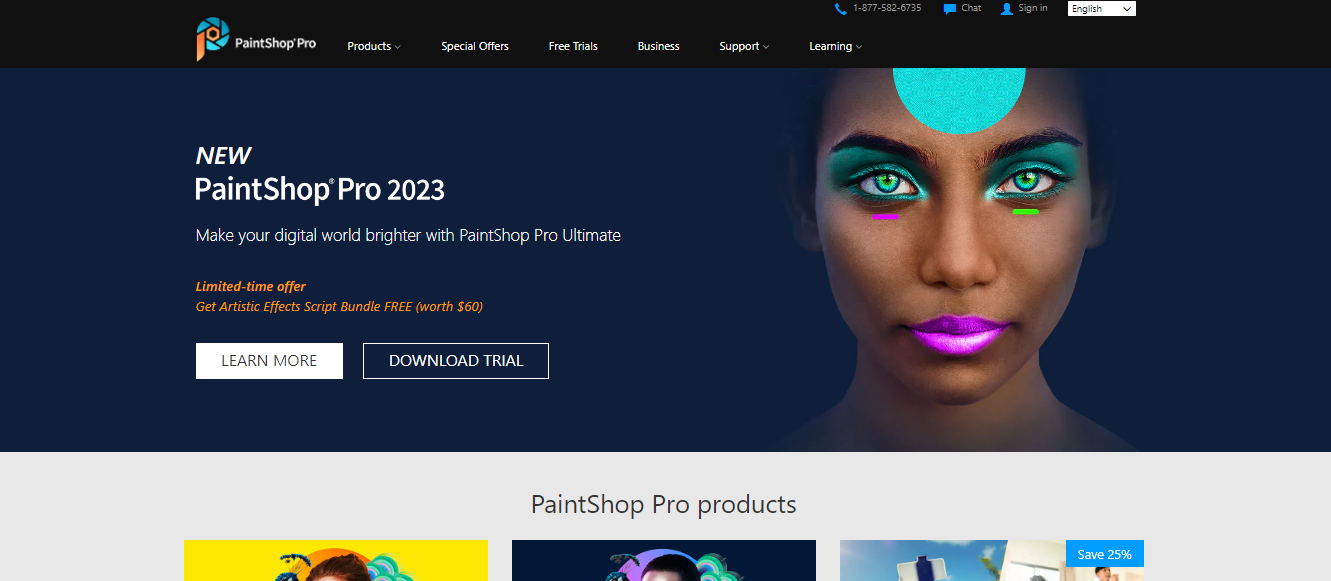
Corel PaintShop Pro is among the most straightforward photo editing solutions available in its category that now offers a free trial so users can check if the tool is perfect for their needs. It’s an excellent alternative to more popular tools and offers a host of tools that are perfect for photo... Learn more
Capabilities
- AI Enabled
- API Available
- Open Source
- CLI Available
Images
View 5 images
Exclusive Deals
Discover Amazing Software Deals on Findstack
Get access to up to $900,000+ in savings on the best software to scale your business.
Pricing
Free trial available
Free plan available
Billing type
Perpetual License
Starting Price
$92.00
/ one_time
Pros and Cons
- Regular updates: Because the GIMP environment is powered by a community of developers, you can expect a lot of regular updates and new features.
- Tons of flexibility: Aside from offering a range of file formats, GIMP also supports a host of platforms, including GNU, Linux, Microsoft, Mac, and more.
- Community: Community support is excellent, with plenty of brushes, texture packs, and extra features to download online.
- Free open-source software
- Excellent digital retouching and touch-up tools
- The adjustment layers are difficult to work with at times, and can be quite buggy
- The interface isn’t well-suited to mac users.
- Learning curve for beginners
- Easy to use with an intuitive interface
- Fantastic range of color and adjustment features
- Texture, background, and brush editing
- Lots of file options, including RAW files
- Constantly updating set of features
- Missing advanced features even at Pro level
- No Mac version
Reviewer's Segments
Small Business
67.99%
Mid Market
20.88%
Enterprise
11.13%
Insufficient data to show segment split
Deployment
- Cloud based
- Desktop based
- Mobile based
- On-premise
- Cloud based
- Desktop based
- Mobile based
- On-premise
Support
- 24/7 (Live rep)
- Chat
- Email/Help Desk
- FAQs/Forum
- Knowledge Base
- Phone Support
- 24/7 (Live rep)
- Chat
- Email/Help Desk
- FAQs/Forum
- Knowledge Base
- Phone Support
Training
- Documentation
- Documentation
Integrations
Total integrations:
12
- Adobe Lightroom
- Adobe Photoshop
- Affinity Photo
- Blender
- Corel PaintShop Pro
- CorelDRAW Graphics Suite
- CyberLink PD 365
- GIMP
- Inkscape
- Krita
- Natron
- NetArt
- Parallels Desktop For Mac
- Scribus
- Stellar Photo Recovery
- Topaz Labs
- Vecteezy
- Xara Designer Pro
- Zoner Photo Studio
- iBoysoft NTFS for Mac
Total integrations:
9
- Adobe Lightroom
- Adobe Photoshop
- Affinity Photo
- Blender
- Corel PaintShop Pro
- CorelDRAW Graphics Suite
- CyberLink PD 365
- GIMP
- Inkscape
- Krita
- Natron
- NetArt
- Parallels Desktop For Mac
- Scribus
- Stellar Photo Recovery
- Topaz Labs
- Vecteezy
- Xara Designer Pro
- Zoner Photo Studio
- iBoysoft NTFS for Mac
Top Alternatives
Categories
Common categories include: Photo Editing Software.
Company Details
- By The GIMP Development Team
- Located in The GIMP project is developed by volunteers and does not have a physical headquarters.
- Founded in 1995
- By Corel Corporation
- Located in Ottawa, Ontario, Canada
- Founded in 1985



Popular Comparisons