Keeper Password Manager vs Passpack
Take a look at how
Keeper Password Manager
and
Passpack
stack up against each other across pricing, features, and support
using feedback from real users like yourself.
Keeper Password Manager
scores
4.7
out of 5 from
814
reviews, while
Passpack
has been rated
4.0
out of 5 from
31
reviews.
Advertising disclosure: Findstack offers objective, editorially independent comparisons to
help you find the best software. Some links on this page are affiliate links — we may earn a commission when you
visit a vendor through our links, at no additional cost to you. Affiliate relationships never influence our ratings,
rankings, or reviews. Disclosure policy |
Methodology

Keeper Password Manager
4.7
( 814 )
Start selling digital products with Crevio

5.0
(1)
Free plan available
Crevio is an AI-powered platform that runs your business while you sleep. Describe what you want to se...
Learn more about Crevio
At a Glance

Overview
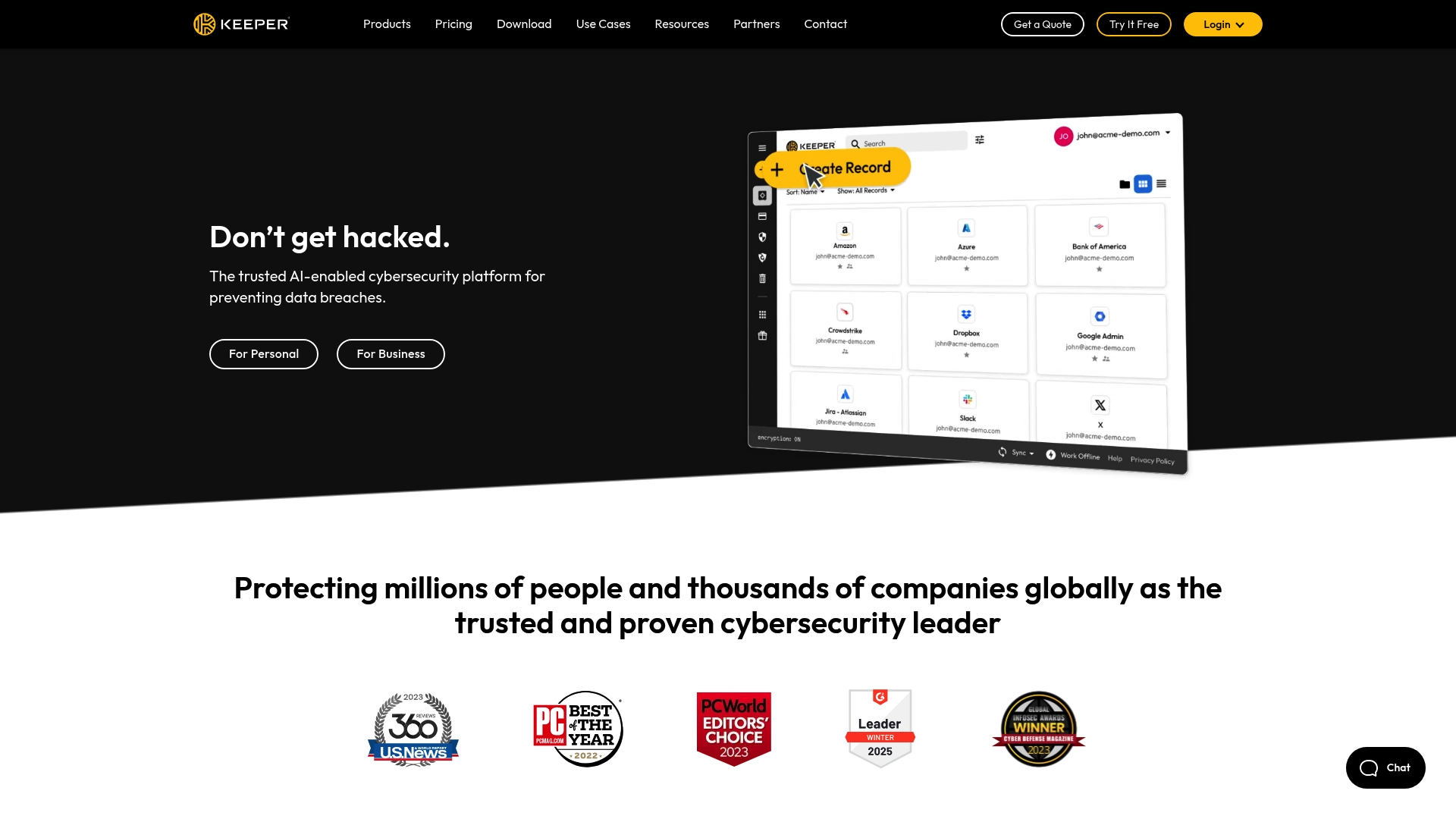
Keeper is the preferred platform for many major enterprises given its highly secure password management features that works on major web browsers and mobile devices. It features a highly secure master password keeper that’s the key for encrypting and decrypting information. The platform also has ... Learn more
Capabilities
- AI Enabled
- API Available
- Open Source
- CLI Available
Images
View 1 images
Passpack is a zero-knowledge, cloud-based password and credential manager built for teams and businesses to securely store, share, organize, and audit credentials, secrets, login records, PINs, and notes. It emphasizes client-side encryption (packing key never leaves the device), collaborative sh... Learn more
Capabilities
- AI Enabled
- API Available
- Open Source
- CLI Available
No images available
Exclusive Deals
Discover Amazing Software Deals on Findstack
Get access to up to $900,000+ in savings on the best software to scale your business.
Pricing
Free trial available
Free plan available
Billing type
Recurring Subscription
Teams
$1.50
/ month
Business
$4.50
/ month
Enterprise
Contact Us
Pros and Cons
Not enough data available.
Not enough data available.
- Zero-knowledge security model with client-side encryption and AES-256
- Hardware MFA support (YubiKey), SSO, and domain-based access controls
- Generous features in Teams plan: unlimited passwords, devices, and teams
- Business plan adds SSO, advanced reporting, API, and directory integrations
- Compliance posture: SOC 2 Type II, GDPR, CCPA
- Native mobile app support (iOS/Android) not clearly verified
- Fewer publicly documented third‑party integrations compared with larger incumbents
- Some user reviews indicate UI issues on mobile devices
- Certain customizations and advanced features require Business/Enterprise tiers
Reviewer's Segments
Small Business
52.7%
Mid Market
31.2%
Enterprise
16.09%
Small Business
48.39%
Mid Market
48.39%
Enterprise
3.23%
Deployment
- Cloud based
- Desktop based
- Mobile based
- On-premise
- Cloud based
- Desktop based
- Mobile based
- On-premise
Support
- 24/7 (Live rep)
- Email/Help Desk
- Knowledge Base
- 24/7 (Live rep)
- Email/Help Desk
- Knowledge Base
Training
- Documentation
- Documentation
Integrations
Total integrations:
10
- Bitium
- Box
- Dropbox
- GitHub
- Google Workspace
- OneLogin
- Ping Identity
- TeamViewer
- Trello
- Zoom
Total integrations:
0
We could not find any integrations for this product.
Top Alternatives
Categories
Common categories include: Password Manager Software.