Adobe Photoshop vs CorelDRAW Graphics Suite
Take a look at how
Adobe Photoshop
and
CorelDRAW Graphics Suite
stack up against each other across pricing, features, and support
using feedback from real users like yourself.
Adobe Photoshop
scores
4.6
out of 5 from
8911
reviews, while
CorelDRAW Graphics Suite
has been rated
4.3
out of 5 from
506
reviews.
Advertising disclosure: Findstack offers objective, editorially independent comparisons to
help you find the best software. Some links on this page are affiliate links — we may earn a commission when you
visit a vendor through our links, at no additional cost to you. Affiliate relationships never influence our ratings,
rankings, or reviews. Disclosure policy |
Methodology

Adobe Photoshop
4.6
( 8,911 )

CorelDRAW Graphics Suite
4.3
( 506 )
Start selling digital products with Crevio

5.0
(1)
Free plan available
Crevio is an AI-powered platform that runs your business while you sleep. Describe what you want to se...
Learn more about Crevio
At a Glance
Overview
Arguably one of the best-known graphic design software tools used today, Adobe Photoshop is currently the go-to tool of many creative professionals. The software offers feature-rich tools for photo retouching, editing, and manipulation; and gives access to numerous brushes and textures. The platf... Learn more
Capabilities
- AI Enabled
- API Available
- Open Source
- CLI Available
Images
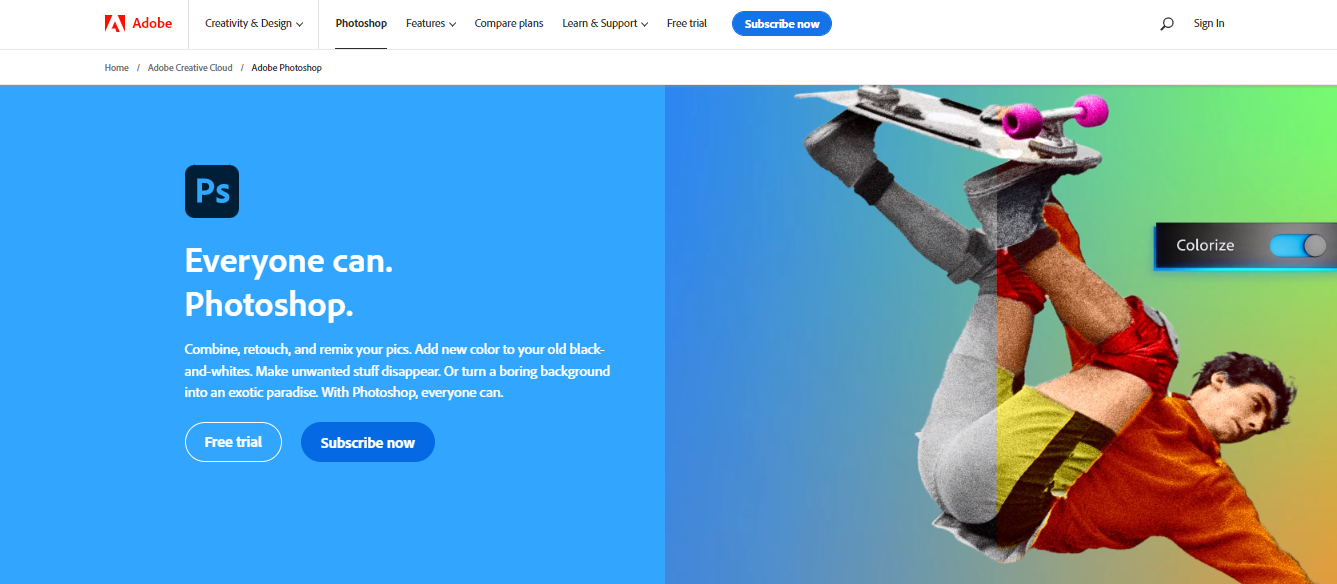
View 5 images
CorelDRAW Graphics Suite is a full-featured design toolkit that lets users create vector illustrations and layouts as well as tools that support photo editing, and typography projects. The platform is offered via a budget-friendly subscription platform that provides incredible ongoing value with ... Learn more
Capabilities
- AI Enabled
- API Available
- Open Source
- CLI Available
Images
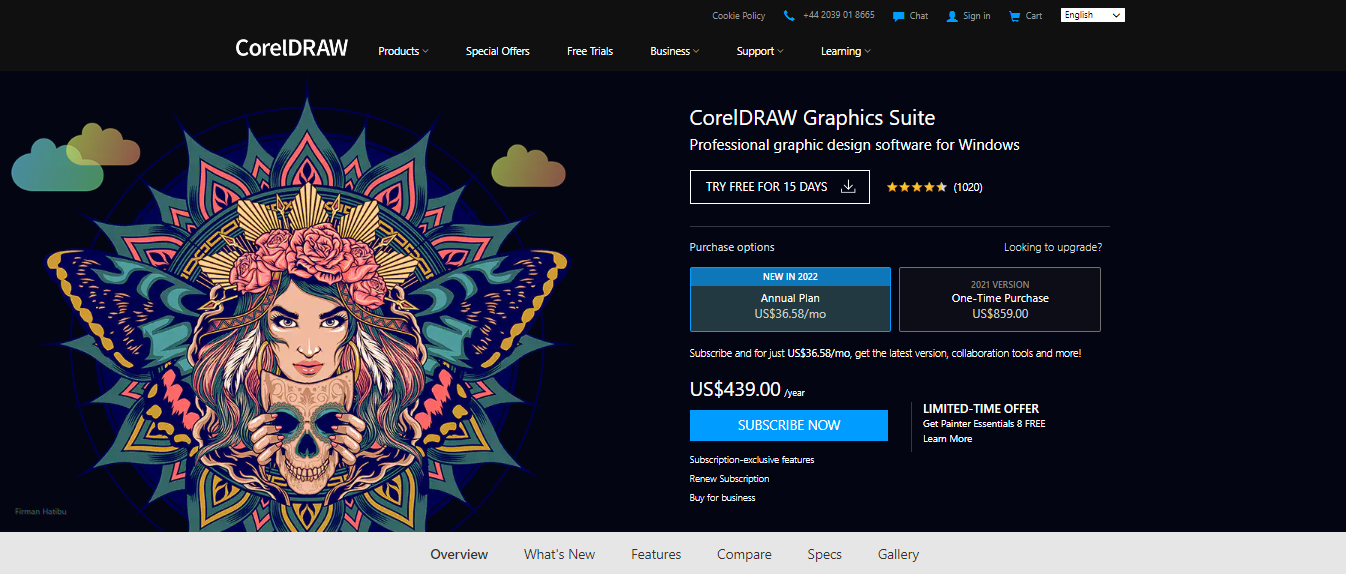
View 5 images
Exclusive Deals
Discover Amazing Software Deals on Findstack
Get access to up to $900,000+ in savings on the best software to scale your business.
Pricing
Free trial available
Free plan available
Billing type
Recurring Subscription
Photography Plan (1TB)
$19.99
/ month
Photography Plan (1TB)
$19.99
/ month
Photoshop Plan Single App
$20.99
/ month
Creative Cloud All Apps
$54.99
/ month
Free trial available
Free plan available
Billing type
Perpetual License
Subscription
$439.00
one-time
Pros and Cons
- Comprehensive set of tools for touch-up and retouching
- Extensive filters, brushes, and pre-sets
- Advanced color and background manipulation
- Extensive organization and image management tools
- Highly customizable
- Might present a steep learning curve for beginners
- Limited support for vector graphics
- Great for productivity: The collaborative and productivity features on Corel Draw aren’t just there for show. This software really does make it easier to get connected and make progress on a shared project.
- Versatility: You can use Corel Draw on virtually device, including smooth drawing surfaces, laptops, and desktops.
- Tons of exporting options: You can export up to 48 different file types with Corel Draw, including PNG, JPG, and even CAD for 3D content.
- Huge community collection of assets: The collection of assets available is incredible. You can access fonts, templates, frames, photos, vectors, and brushes. Plus, there’s a full organized library system for keeping everything in the right place.
- No app for your smartphone if you’re working on the move
- Does require a lot of initial learning due to the wide range of features
Reviewer's Segments
Small Business
58.13%
Mid Market
25.58%
Enterprise
16.29%
Small Business
66.8%
Mid Market
22.53%
Enterprise
10.67%
Deployment
- Cloud based
- Desktop based
- Mobile based
- On-premise
- Cloud based
- Desktop based
- Mobile based
- On-premise
Support
- 24/7 (Live rep)
- Chat
- Email/Help Desk
- FAQs/Forum
- Knowledge Base
- Phone Support
- 24/7 (Live rep)
- Chat
- Email/Help Desk
- FAQs/Forum
- Knowledge Base
- Phone Support
Training
- Documentation
- Documentation
Integrations
Total integrations:
33
- Adobe Acrobat
- Adobe Audition
- Adobe Bridge
- Adobe Dreamweaver
- Adobe Illustrator
- Adobe InDesign
- Adobe Lightroom
- Adobe Photoshop
- Adobe Premiere Pro
- Affinity Designer
- Blender
- Bluescape
- Brandfolder
- Canto
- Chroma
- Cinema 4D
- Clip Studio Paint
- Corel PaintShop Pro
- Corel VideoStudio Pro
- CorelCAD
- CorelDRAW Graphics Suite
- CyberLink PD 365
- GIMP
- Image Relay
- Imagify
- Inkscape
- Kittl
- Kontainer
- MonsterONE
- Movavi Video Editor
- NetArt
- QuarkXPress
- Sketch
- Skylum Luminar Neo
- Stellar Photo Recovery
- Template Monster
- Topaz Labs
- Vecteezy
- Wondershare Filmora
- Xsplit Broadcaster
- ZBrush
Total integrations:
11
- Adobe Acrobat
- Adobe Audition
- Adobe Bridge
- Adobe Dreamweaver
- Adobe Illustrator
- Adobe InDesign
- Adobe Lightroom
- Adobe Photoshop
- Adobe Premiere Pro
- Affinity Designer
- Blender
- Bluescape
- Brandfolder
- Canto
- Chroma
- Cinema 4D
- Clip Studio Paint
- Corel PaintShop Pro
- Corel VideoStudio Pro
- CorelCAD
- CorelDRAW Graphics Suite
- CyberLink PD 365
- GIMP
- Image Relay
- Imagify
- Inkscape
- Kittl
- Kontainer
- MonsterONE
- Movavi Video Editor
- NetArt
- QuarkXPress
- Sketch
- Skylum Luminar Neo
- Stellar Photo Recovery
- Template Monster
- Topaz Labs
- Vecteezy
- Wondershare Filmora
- Xsplit Broadcaster
- ZBrush
Top Alternatives
Categories
Common categories include: Photo Editing Software.
Company Details
- By Adobe
- Located in San Jose, CA
- Founded in 1982
- By Corel Corporation
- Located in Ottawa, Ontario, Canada
- Founded in 1985