Cockpit CMS vs WordPress.org
Take a look at how
Cockpit CMS
and
WordPress.org
stack up against each other across pricing, features, and support
using feedback from real users like yourself.
Cockpit CMS
scores
4.1
out of 5 from
11
reviews, while
WordPress.org
has been rated
4.4
out of 5 from
8637
reviews.
Advertising disclosure: Findstack offers objective, editorially independent comparisons to
help you find the best software. Some links on this page are affiliate links — we may earn a commission when you
visit a vendor through our links, at no additional cost to you. Affiliate relationships never influence our ratings,
rankings, or reviews. Disclosure policy |
Methodology

Cockpit CMS
4.1
( 11 )

WordPress.org
4.4
( 8,637 )
Start selling digital products with Crevio

5.0
(1)
Free plan available
Crevio is an AI-powered platform that runs your business while you sleep. Describe what you want to se...
Learn more about Crevio
At a Glance
Overview
Cockpit CMS is a simple and lightweight headless content management system built for small and medium-sized businesses. It allows for a flexible and easy-to-use content management experience, allowing you to create custom content types and manage your website's content through a sleek, user-frien... Learn more
Capabilities
- AI Enabled
- API Available
- Open Source
- CLI Available
Images
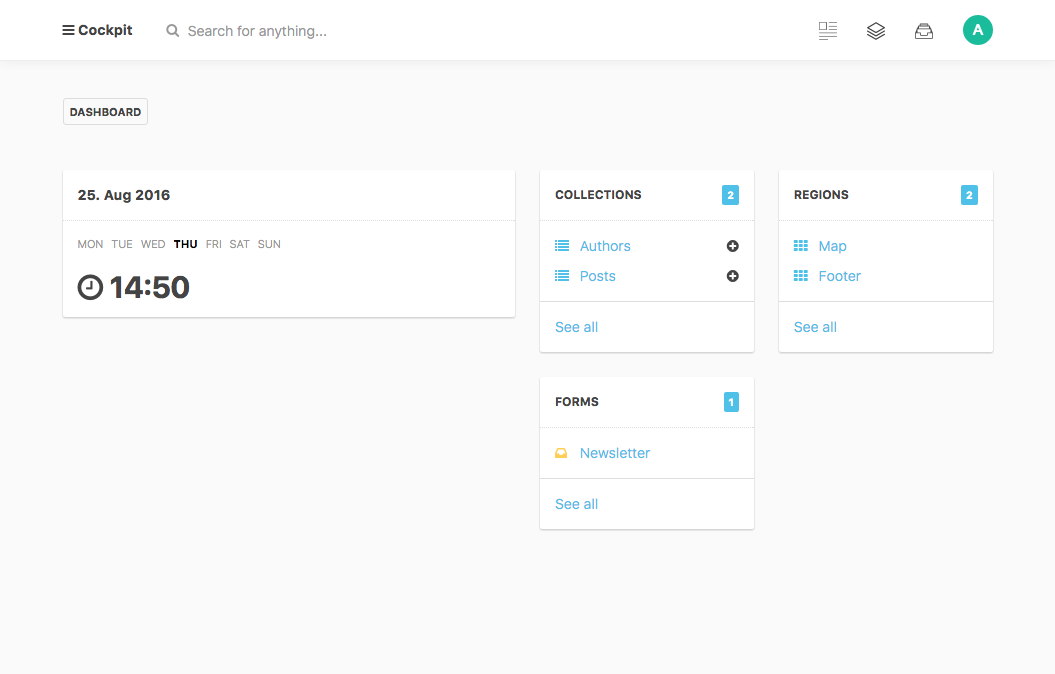
View 5 images
WordPress is arguably the most popular open-source, cloud-based content management system based on PHP and MySQL designed to help small to large businesses create, manage and publish content for websites. The customizable solution allows enterprises to use plugins, widgets, and themes to simplify... Learn more
Capabilities
- AI Enabled
- API Available
- Open Source
- CLI Available
Images
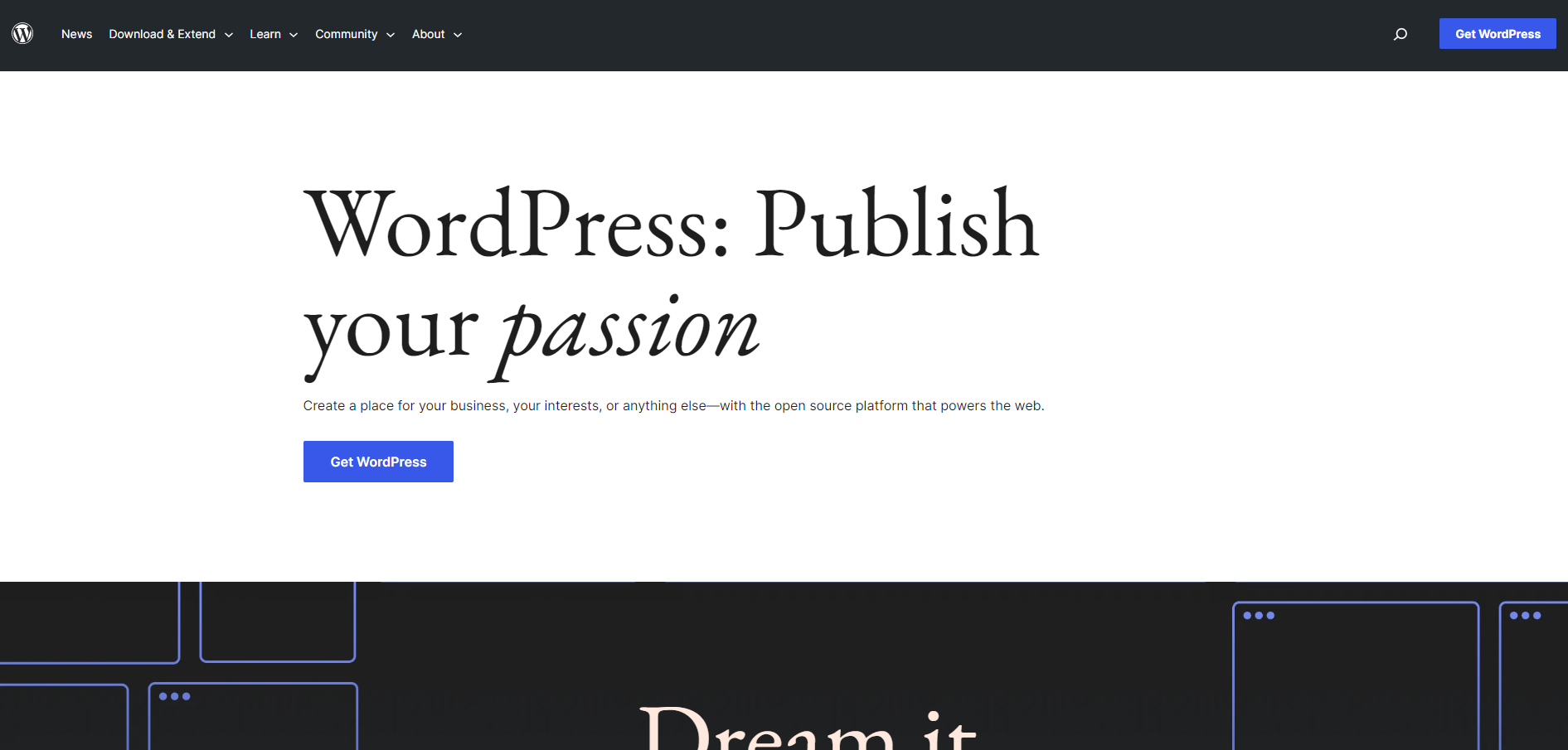
View 4 images
Exclusive Deals
Discover Amazing Software Deals on Findstack
Get access to up to $900,000+ in savings on the best software to scale your business.
Pricing
Free trial available
Free plan available
Billing type
Recurring Subscription
Open Source
€0.00
Pro
€249.00
Enterprise
Contact Us
No pricing information available
Pros and Cons
Not enough data available.
Not enough data available.
- WordPress.org is free!
- There are thousands of themes, plugins, and widgets to choose from
- You have complete control over the functionality and aesthetic of your website.
- There’s an active community with plenty of self-help guides and documentation available online.
- WordPress.org boasts powerful blogging features and SEO functionality.
- At least with older versions of WordPress, the design editor comes with a steeper learning curve.
- With any open-source software, you need to find your own hosting, which can seem daunting at first if you’re new to website creation.
Reviewer's Segments
Small Business
54.55%
Mid Market
18.18%
Enterprise
27.27%
Small Business
72.47%
Mid Market
18.63%
Enterprise
8.9%
Deployment
- Cloud based
- Desktop based
- Mobile based
- On-premise
- Cloud based
- Desktop based
- Mobile based
- On-premise
Support
- 24/7 (Live rep)
- Chat
- Email/Help Desk
- FAQs/Forum
- Knowledge Base
- Phone Support
- 24/7 (Live rep)
- Chat
- Email/Help Desk
- FAQs/Forum
- Knowledge Base
- Phone Support
Training
- Documentation
- Documentation
Integrations
Total integrations:
10
- Angular
- Bento
- Circle
- Cwicly
- Elementor
- Gatsby
- HubSpot
- Involve.Me
- Jekyll
- Koala Writer
- Laravel
- Next.js
- Node.js
- Python
- React
- Ruby
- ScalaHosting
- Simply CRM
- Social Snap
- Testimonial
- beehiiv
- n8n
Total integrations:
12
- Angular
- Bento
- Circle
- Cwicly
- Elementor
- Gatsby
- HubSpot
- Involve.Me
- Jekyll
- Koala Writer
- Laravel
- Next.js
- Node.js
- Python
- React
- Ruby
- ScalaHosting
- Simply CRM
- Social Snap
- Testimonial
- beehiiv
- n8n
Top Alternatives
Categories
Common categories include: Web Content Management Software.