Advertising disclosure: Findstack offers objective, editorially independent comparisons to
help you find the best software. Some links on this page are affiliate links — we may earn a commission when you
visit a vendor through our links, at no additional cost to you. Affiliate relationships never influence our ratings,
rankings, or reviews. Disclosure policy |
Methodology
Start selling digital products with Crevio

5.0
(1)
Free plan available
Crevio is an AI-powered platform that runs your business while you sleep. Describe what you want to se...
Learn more about Crevio
At a Glance

Overview

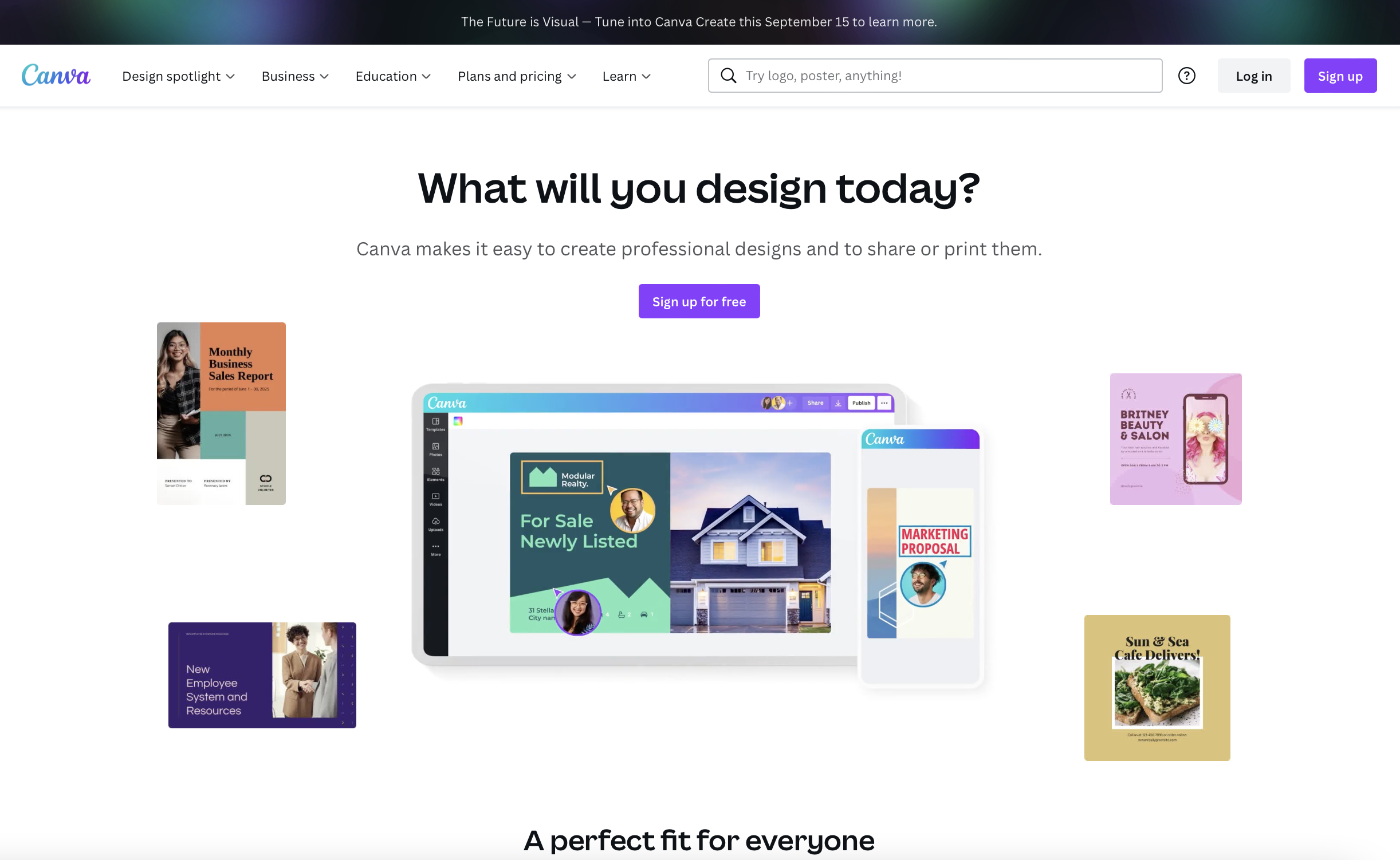
Canva is an easy to use graphic design and video editing platform that lets users create, design, and publish original artwork using a simple drag-and-drop editor. The platform comes with thousands of design templates and layouts for numerous projects, including social media posts, presentations,... Learn more
Capabilities
- AI Enabled
- API Available
- Open Source
- CLI Available
Images
View 5 images
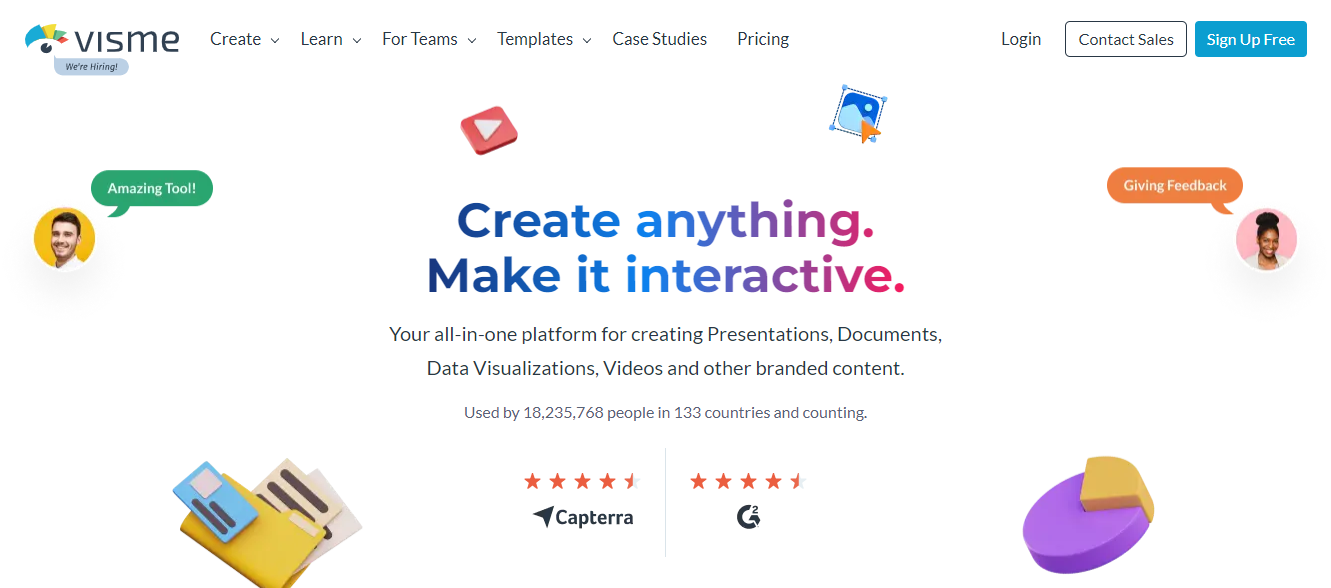
Visme is a comprehensive online graphic design software that’s perfect for creating visuals for presentations. It lets users create charts and infographics, social media content, and digital artwork, even with little design experience. The platform is simple to use, user-friendly, and intuitive, ... Learn more
Capabilities
- AI Enabled
- API Available
- Open Source
- CLI Available
Images
View 5 images
Exclusive Deals
Discover Amazing Software Deals on Findstack
Get access to up to $900,000+ in savings on the best software to scale your business.
Pricing
Free trial available
Free plan available
Billing type
Recurring Subscription
Canva Free
$0.00
/ month
Canva Pro
$12.99
/ month
Canva for Teams
$14.99
/ month
No pricing information available
Pros and Cons
- Simplicity: Canva is delightful to use. You can search for stock images and videos in seconds, drag and drop elements into place, and experiment with a huge range of filters and effects.
- Free plan: If you’re not sure how many visual assets you need yet, you can start with the free plan and work your way up.
- Versatile: You can create a lot of different kinds of graphics easily with Canva, including logos, Facebook posts, email marketing templates, and landing pages.
- Convenient easy-to-use environment for beginners
- Thousands of templates, icons, photos, fonts and other assets
- You don’t get the full control with Canva that you get with more advanced marketing tools. There aren’t as many layers as possible and advanced features to explore.
- Can be a little slow as a browser-based product.
- Very limited editing options
- No layering or re-adjustment options
- Easy to use
- Wide variety of features and templates
- Great for creating visual presentations that stand out
- Slightly more expensive than other online graphic design tools
- Lower-priced plans are a bit restrictive
- Does not support guest collaborators
Reviewer's Segments
Small Business
66.06%
Mid Market
23.16%
Enterprise
10.78%
Small Business
68.0%
Mid Market
24.75%
Enterprise
7.25%
Deployment
- Cloud based
- Desktop based
- Mobile based
- On-premise
- Cloud based
- Desktop based
- Mobile based
- On-premise
Support
- 24/7 (Live rep)
- Chat
- Email/Help Desk
- FAQs/Forum
- Knowledge Base
- Phone Support
- 24/7 (Live rep)
- Chat
- Email/Help Desk
- FAQs/Forum
- Knowledge Base
- Phone Support
Training
- Documentation
- Documentation
Integrations
Total integrations:
21
- Adobe Illustrator
- AppSumo
- Box
- Buzzsprout
- Constant Contact
- Deposit Photos
- Dropbox
- GoDaddy
- GoDaddy Website Builder
- Google Analytics
- Google Sheets
- HubSpot
- HubSpot CRM
- HubSpot Service Hub
- Kahoot!
- Kittl
- Looka
- Microsoft Excel
- Microsoft Powerpoint
- Slack
- SocialBee
- SocialPilot
- SysTools IMAP Migration Tool
- Tube Buddy
- Typeform
- Vecteezy
- WhitePress
- Zapier
- Zesty.io
Total integrations:
11
- Adobe Illustrator
- AppSumo
- Box
- Buzzsprout
- Constant Contact
- Deposit Photos
- Dropbox
- GoDaddy
- GoDaddy Website Builder
- Google Analytics
- Google Sheets
- HubSpot
- HubSpot CRM
- HubSpot Service Hub
- Kahoot!
- Kittl
- Looka
- Microsoft Excel
- Microsoft Powerpoint
- Slack
- SocialBee
- SocialPilot
- SysTools IMAP Migration Tool
- Tube Buddy
- Typeform
- Vecteezy
- WhitePress
- Zapier
- Zesty.io
Top Alternatives
Categories
Common categories include: Design Systems Software and Photo Editing Software.
Company Details
- By Canva Pty Ltd
- Located in Sydney, New South Wales, Australia
- Founded in 2012
- By Easy WebContent, Inc.
- Located in Rockville, MD, United States
- Founded in 2013



Popular Comparisons