


The Best VPS for Ollama of 2026




Most “best VPS for Ollama” lists contain a contradiction they never resolve. They open by telling you to check for GPU support and budget 16–64GB of RAM, then recommend ten shared-CPU hosting plans, none of which has a GPU at all.
Both halves are defensible — they just answer different questions. Ollama runs perfectly well on an ordinary CPU server if the model is small and you can live with the speed. It needs a GPU the moment either of those stops being true. The useful article is the one that tells you which side of that line you’re on before you spend anything.
- CPU inference works for quantised 7–8B models. Expect a few tokens per second — fine for background jobs, summarisation and scheduled work, frustrating for anything interactive.
- RAM is the hard limit. The model weights sit in memory permanently. 8GB for a 7–8B model, 16GB for a 13B, considerably more above that.
- GPU is the answer for interactive use, larger models, or anything a person waits on. Renting one by the hour costs far less than owning one by the month — our GPU VPS guide has the hourly rates and the rent-versus-buy break-even, and RunPod vs DigitalOcean GPU Droplets works out the duty cycle at which paying only for the hours you use stops being the cheaper option.
- Nothing about this is free. Self-hosting an LLM to avoid API fees usually costs more than the API fees for personal-scale use.
Quick comparison
| Provider | Approach | Max RAM | GPU | Best for |
|---|---|---|---|---|
| Hostinger | CPU VPS | 32GB | ❌ No | Small models, easiest start |
| Kamatera | Configurable cloud | Very high | ✅ Yes | Custom specs and scaling |
| IONOS | CPU VPS | High | ❌ No | Cheapest European entry |
| Bluehost | CPU VPS | Plan-dependent | ❌ No | NVMe + DDR5 on a budget |
| InterServer | CPU VPS | 64GB | ❌ No | High RAM ceiling, low price |
| UltaHost | CPU VPS | High | ❌ No | Budget always-on |
| RunPod | GPU cloud | Card-dependent | ✅ Yes | Anything interactive |
Before picking a host, it’s worth knowing what this actually costs per token: Ollama VPS cost puts a CPU-only box, a rented GPU and a commercial API in the same column, and the API comes out 20 to 200 times cheaper — which narrows the case for self-hosting to three specific situations.
The decision that comes first: CPU or GPU
Ollama makes running a language model locally about as easy as installing any other program. What it cannot do is change the arithmetic underneath.
On CPU, generation speed is bounded by memory bandwidth. A quantised 7–8B model on a decent modern server produces output at roughly reading speed or slower — call it a handful of tokens per second. That is genuinely usable for work where nobody is waiting: summarising documents overnight, classifying a backlog, enriching records, generating drafts on a schedule. It is genuinely unpleasant for a chat interface.
On GPU, the same model runs many times faster and feels instant. That is the entire difference. There is no configuration trick that closes the gap — it’s a hardware property.
So the question is not “which is better”, it’s is a person waiting for the output?
| Your use case | What you need |
|---|---|
| Background jobs, batch processing, scheduled summarisation | CPU VPS, 8–16GB |
| Embeddings and classification at modest volume | CPU VPS, 8–16GB |
| Interactive chat or an assistant you talk to | GPU |
| Models above ~13B | GPU |
| Serving multiple concurrent users | GPU |
Most of this list is CPU hosting, because most self-hosted Ollama deployments are the first two rows. If you’re pairing Ollama with a chat interface, note that the interface itself is nearly free — see our Open WebUI hosting guide. If you’re in the bottom three, skip to RunPod at number seven and save yourself the disappointment.
How much RAM per model
Below the tiers here sits a question we get asked separately: what happens at 2GB? The arithmetic settles it — a 1B model at Q4 is 0.6GB and fits, a 7B is 3.9GB and doesn’t, and no amount of quantisation closes that gap. Model weights load into memory and stay there. This is a hard floor, not a recommendation — if the model doesn’t fit, it doesn’t run.
| Model size | Minimum RAM | Comfortable | Notes |
|---|---|---|---|
| 3B (quantised) | 4GB | 8GB | Fast even on CPU; limited capability |
| 7–8B (quantised) | 8GB | 16GB | The practical sweet spot for CPU |
| 13B (quantised) | 16GB | 24GB | Noticeably slow on CPU |
| 30B+ | 32GB+ | 64GB+ | GPU territory in practice |
Two things people miss. Quantisation is doing a lot of work in that table — an unquantised model needs several times the memory, and the figures above assume the 4-bit variants Ollama pulls by default. And you need headroom beyond the weights for the context window and the operating system; sizing a box to exactly the model size gets you an out-of-memory kill on the first long prompt.
The 7 best VPS providers for Ollama
1. Hostinger — best for CPU inference on small models
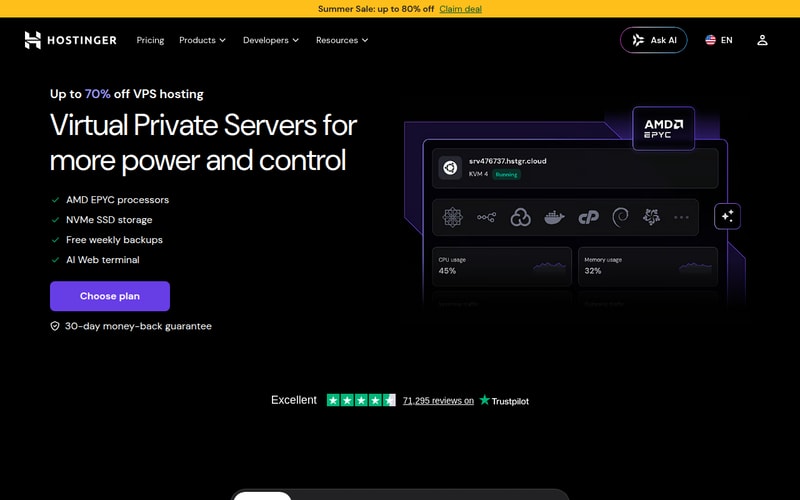
Hostinger is the easiest place to get a working Ollama instance, with one caveat stated plainly up front: it has no GPU plans. If you need GPU inference, it is the wrong provider and number seven on this list is the right one.
For the CPU path — which is what most people self-hosting Ollama are actually doing — it’s the strongest option here. Its VPS Docker Manager includes an Ollama template, so you skip the install entirely, and the plan range reaches 32GB of RAM, which comfortably covers a 13B model with headroom. NVMe storage matters more than it sounds: model files are several gigabytes each, and loading them off fast disk is the difference between a two-second and a twenty-second cold start.
The entry tier at 8GB is exactly the 7–8B sweet spot, and stepping up to 16GB or 32GB is a plan change rather than a migration. For background summarisation, classification and scheduled generation, this is the sensible default.
Pros: one-click Ollama template; 8GB at the entry tier and up to 32GB; NVMe storage; approachable panel; free weekly backups; 30-day money-back guarantee.
Cons: no GPU plans at all — a hard stop for interactive use; promotional pricing needs a long prepay term and renews higher.
Who it’s for: anyone running quantised models for background work who wants it running today.
Check Hostinger’s current VPS pricing →
2. Kamatera — best for custom specifications
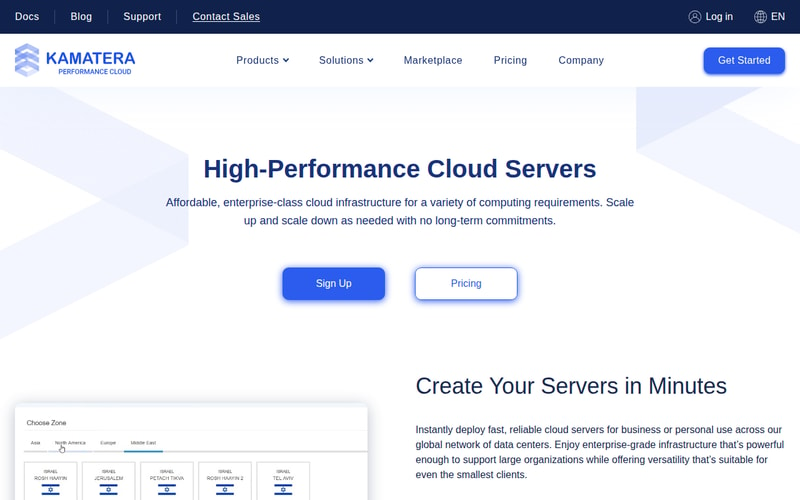
Kamatera lets you compose the machine rather than pick from a menu, which suits Ollama unusually well. Model memory requirements are specific and awkward — a 13B model wants 16GB plus headroom, and most providers make you buy a plan that bundles CPU and storage you don’t need to get there. Kamatera lets you buy the memory and leave the rest small.
It also offers GPU-enabled configurations, which puts it in the rare position of covering both sides of the CPU/GPU decision without changing provider. Hourly billing makes benchmarking cheap: spin up two configurations, compare tokens per second on your actual model, keep the winner.
There’s no template, so expect a manual install. There’s no money-back guarantee either, though the 30-day free trial serves the same purpose for evaluation.
Pros: fully configurable RAM/CPU/storage; GPU options available; hourly billing; 20+ global data centres; 30-day free trial.
Cons: manual setup; higher entry price than the budget hosts; console assumes you know what you want; no money-back guarantee.
Who it’s for: people who know their model size and want to buy exactly the memory it needs.
3. IONOS — cheapest European entry
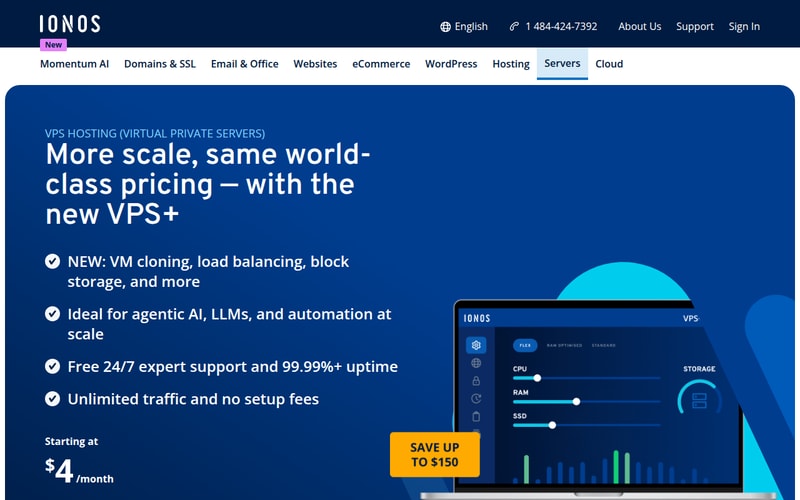
IONOS is the budget floor with European data centres. For Ollama specifically the appeal is that memory is comparatively cheap here, and memory is the thing you’re buying — a plan with enough RAM for a 7–8B model costs less than at most competitors.
Data residency is the other draw, and it’s a real one for this workload. Running the model locally is frequently a privacy decision in the first place; if the documents being summarised can’t leave the EU, hosting the model in Germany or Spain is the point rather than a nice-to-have.
No Ollama template, no GPU, and backups are extra. The control panel is friendlier than the infrastructure-first consoles elsewhere on this list.
Pros: very cheap memory; European data centres; unlimited traffic; approachable panel; 24/7 phone support; 30-day money-back guarantee.
Cons: no GPU; no Ollama documentation; backups and snapshots cost extra.
Who it’s for: EU deployments, privacy-driven self-hosting, and anyone optimising on price per gigabyte.
4. Bluehost — best budget NVMe option
Bluehost’s VPS range pairs NVMe storage with DDR5 memory, and that combination is better suited to Ollama than the price suggests. Faster memory helps directly with CPU inference, because generation speed on CPU is bound by memory bandwidth rather than raw clock speed — this is one of the few workloads where DDR5 versus DDR4 shows up in the output.
You get full root access and a self-managed environment, so the Ollama install is straightforward if unguided. Bluehost positions this as private, self-managed AI infrastructure, which is a fair description.
The usual caveats apply: the headline price is a multi-year rate, the entry tier is too small for a useful model, and renewal is a step up. Size for your model, not for the advertised plan.
Pros: DDR5 memory helps CPU inference specifically; NVMe storage; full root access; dedicated resources; 30-day money-back guarantee.
Cons: no GPU; entry tier too small for a 7B model; best pricing needs a long commitment; renewal materially higher.
Who it’s for: budget CPU inference where memory bandwidth matters.
Check Bluehost’s current VPS pricing →
5. InterServer — highest RAM ceiling for the price
InterServer’s relevance to Ollama is one number: configurations scale to 64GB of RAM while starting around $3.00/month. Since memory is the binding constraint for local models, a provider that lets you climb to 64GB without a premium price structure is worth knowing about.
That ceiling puts 30B-class models within reach on CPU — slowly, but within reach — and comfortably covers anything smaller with room for a long context window.
Root access, flexible configurations, no template, no money-back guarantee. A no-nonsense provider that stays out of the way.
Pros: 64GB ceiling at low cost; full root access; flexible configurations; straightforward provider.
Cons: no GPU; no money-back guarantee; no Ollama documentation; CPU inference at 30B is slow regardless of memory.
Who it’s for: larger models on CPU where you need memory more than speed.
6. UltaHost — best budget always-on
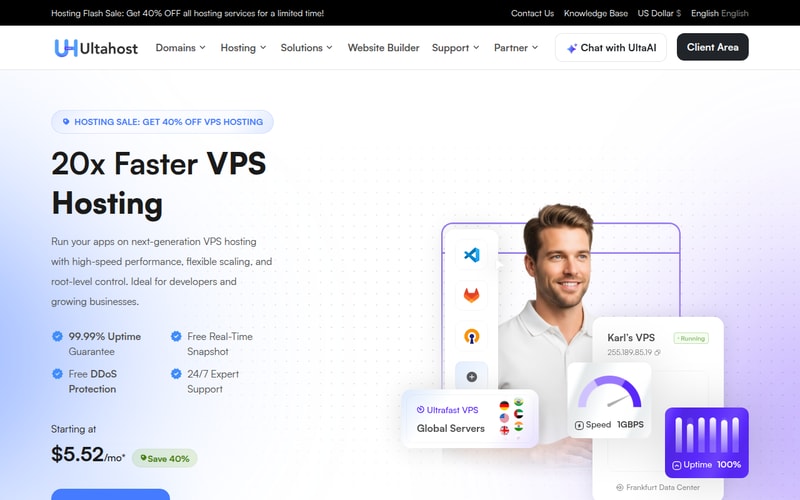
UltaHost rounds out the CPU options on price. For an Ollama instance doing scheduled work — a nightly summarisation job, a classification queue — you’re paying mainly for the box to exist, and UltaHost’s KVM plans are among the cheapest credible always-on options.
Root access and NVMe storage are standard. There’s no Ollama-specific tooling, so this is a manual install like most of the list.
It’s a budget host and behaves like one: fewer conveniences, thinner documentation, and support that is adequate rather than notable.
Pros: very competitive pricing; NVMe storage; full root access; reasonable scaling range.
Cons: no GPU; no template or Ollama documentation; fewer managed conveniences.
Who it’s for: cheap, always-on CPU inference for scheduled jobs.
Check UltaHost’s current pricing →
7. RunPod — best for GPU inference

If a person is waiting for the output, this is the answer, and none of the six above is.
RunPod rents GPUs by the hour rather than the month. Depending on the card that’s roughly $0.15–0.80/hour, against $150–500/month for a dedicated GPU server. For inference that runs in bursts — which describes most real usage — per-hour billing is dramatically cheaper, and you can pick a card sized to your model rather than taking whatever a dedicated plan bundles.
The practical pattern is to combine it with something else on this list: keep the always-on parts of your stack on a cheap CPU VPS, and send inference to a GPU instance when a job needs speed. That gets you interactive performance without paying for an idle graphics card.
It is not a general-purpose host. There’s no cheap always-on tier, cold starts add latency, and the platform assumes you know what a container is.
Pros: by far the cheapest route to real GPU inference; per-hour billing suits bursty use; wide choice of cards; no commitment; the only provider here that makes interactive use pleasant.
Cons: not a general-purpose VPS; cold starts; you’ll likely want a separate always-on box alongside it.
Who it’s for: interactive chat, larger models, multiple users — anything where CPU inference is too slow. If you’re serving a model to an application rather than using it yourself, our vLLM GPU hosting guide covers the throughput-oriented setup.
Check RunPod’s current pricing →
What it actually costs
| Setup | Monthly |
|---|---|
| 7–8B on CPU (8–16GB VPS) | $8–20 |
| 13B on CPU (16–24GB VPS) | $20–40 |
| GPU, bursty use (per-hour) | $10–80 depending on hours |
| GPU, dedicated instance | $150–500+ |
Worth stating plainly, because it’s the reason a lot of people start down this road: self-hosting Ollama to escape API fees rarely saves money at personal scale. A hosted mid-tier model API costs a few dollars a month for typical individual use. The cheapest CPU box capable of running a 7B model costs more than that, and it will be slower and less capable than the API model it replaced.
The good reasons to self-host are different ones: data that cannot leave your infrastructure, offline operation, no per-request rate limits, or volume high enough that per-token pricing genuinely dominates. Those are real and they justify the cost. “Saving money on my personal assistant” usually does not.
How we picked
We ranked on the two things that determine whether Ollama runs well: available memory at realistic price points, and whether GPU inference is on the table at all. Storage type matters more than usual here because model files are large and cold-start time depends on it, so NVMe is weighted. Pricing and specifications are the providers’ published figures at the time of writing.
One deliberate departure from the source ranking this article is based on. That list applies criteria demanding GPU support and 16–64GB of RAM, then recommends ten providers of which almost none has a GPU — advice and picks that contradict each other. We’ve kept the broad running order but added a GPU provider so the list can actually satisfy the requirement, and we say explicitly which providers cannot do interactive inference. Two of the seven here earn us nothing.
How to choose
- Is a person waiting for the output? If yes, you need a GPU — go to RunPod and ignore the CPU discussion. If no, CPU is fine and much cheaper.
- What size model? 7–8B needs 8GB, 13B needs 16GB, and add headroom for context on top.
- Do you want to install it? Hostinger has an Ollama template. Everything else is manual.
- Does the data have to stay somewhere? IONOS for the EU. This is often the real reason for self-hosting in the first place.
- Check the arithmetic against an API before committing. For personal-scale use, hosted models are usually cheaper and better.
For most people the answer is Hostinger — the template removes the setup, 8GB at entry is the right size for a 7–8B model, and background inference is what most self-hosted Ollama instances actually do. Go to RunPod if you need speed, Kamatera if you want to specify the machine precisely, IONOS for cheap European memory, InterServer if you need a 64GB ceiling on a budget, and Bluehost or UltaHost for low-cost CPU inference.
FAQ
Can Ollama run without a GPU?
Yes. Ollama runs on CPU and works acceptably for quantised models up to about 7–8B, producing output at roughly a handful of tokens per second. That’s usable for background work — summarisation, classification, scheduled generation — and frustrating for interactive chat. Larger models run on CPU too, just proportionally slower. If a person is waiting on the response, you want a GPU.
How much RAM do I need for Ollama?
8GB for a quantised 7–8B model, 16GB for a 13B, and 32GB or more above that — plus headroom for the context window and the operating system on top. The model weights stay resident in memory the whole time it’s loaded, so this is a hard floor rather than a recommendation: if the model doesn’t fit, it won’t run.
Is self-hosting Ollama cheaper than using an API?
Usually not at personal scale. A CPU server capable of running a 7B model costs $8–20/month, and a hosted mid-tier model API for typical individual use costs less than that while being faster and more capable. Self-hosting wins on data privacy, offline operation, freedom from rate limits, and at genuinely high sustained volume — not on the monthly bill for a personal assistant.
Which VPS is best for running Llama or Mistral locally?
For a quantised 7–8B version of either, any 8–16GB CPU VPS works, and Hostinger’s Ollama template is the fastest route to a running instance. For larger variants or interactive speed, rent a GPU by the hour from RunPod rather than buying a dedicated GPU server — for bursty inference it’s substantially cheaper.
Related Blog Posts
