Adobe Illustrator vs Adobe InDesign
Take a look at how
Adobe Illustrator
and
Adobe InDesign
stack up against each other across pricing, features, and support
using feedback from real users like yourself.
Adobe Illustrator
scores
4.6
out of 5 from
3667
reviews, while
Adobe InDesign
has been rated
4.6
out of 5 from
2425
reviews.
Advertising disclosure: Findstack offers objective, editorially independent comparisons to
help you find the best software. Some links on this page are affiliate links — we may earn a commission when you
visit a vendor through our links, at no additional cost to you. Affiliate relationships never influence our ratings,
rankings, or reviews. Disclosure policy |
Methodology

Adobe Illustrator
4.6
( 3,667 )

Adobe InDesign
4.6
( 2,425 )
Start selling digital products with Crevio

5.0
(1)
Free plan available
Crevio is an AI-powered platform that runs your business while you sleep. Describe what you want to se...
Learn more about Crevio
At a Glance
Overview
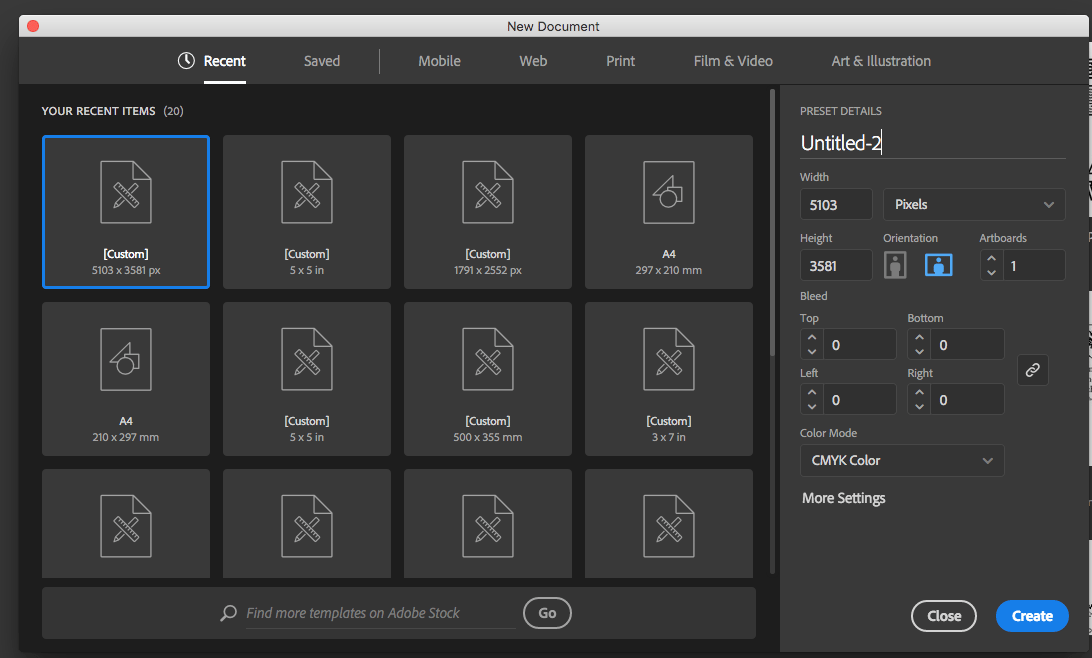
Another go-to design solution from Adobe, Illustrator is the preferred design software for numerous designers and illustrators who want to access an intuitive interface with tools that can simplify the entire design process. The dashboard is simple and streamlined. Collaboration is at the forefro... Learn more
Capabilities
- AI Enabled
- API Available
- Open Source
- CLI Available
Images
View 5 images
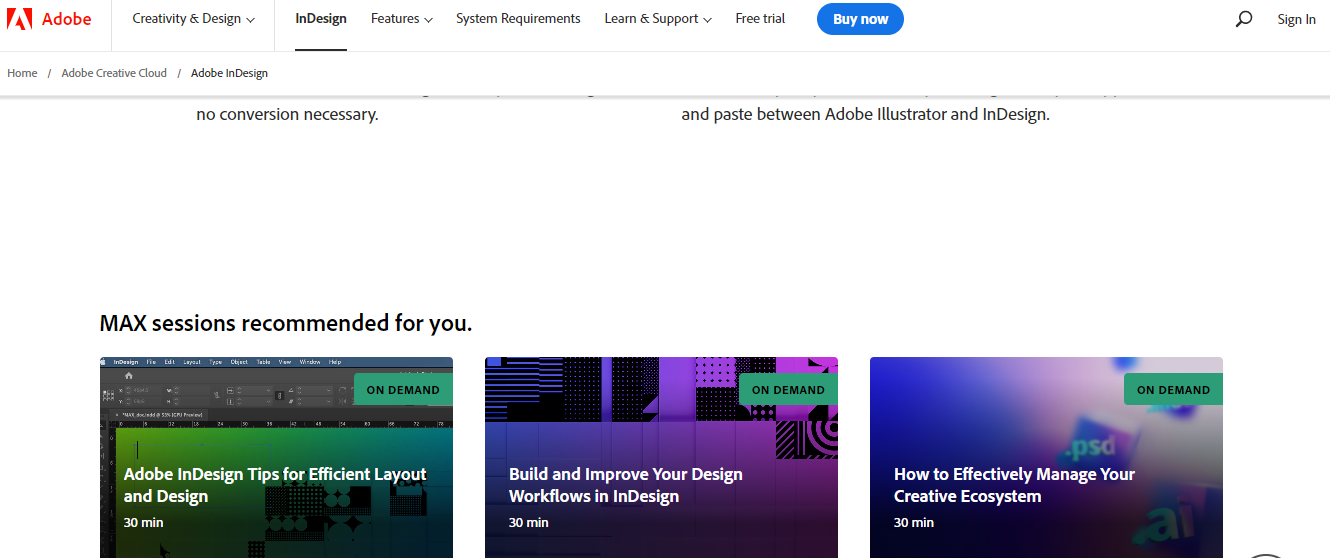
InDesign is another component of the Adobe Creative Cloud ecosystem, available as part of the whole library or as an individual purchase. The software‘s features is specific to publishing and designing online publications, brochures, creating info sheets, and similar materials. Adobe InDesign pro... Learn more
Capabilities
- AI Enabled
- API Available
- Open Source
- CLI Available
Images
View 4 images
Exclusive Deals
Discover Amazing Software Deals on Findstack
Get access to up to $900,000+ in savings on the best software to scale your business.
Pricing
Free trial available
Free plan available
Billing type
Recurring Subscription
Illustrator Single App
$20.99
/ month
Creative Cloud All Apps
$54.99
/ month
Creative Cloud All Apps
$54.99
/ month
Free trial available
Free plan available
Billing type
Recurring Subscription
InDesign Single App
$20.99
/ month
Creative Cloud All Apps
$54.99
/ month
Creative Cloud All Apps
$54.99
/ month
Pros and Cons
- Intuitive experience: Everything about Adobe Illustrator feels like it was built to make your life easier. You can create full patterns with a single click and use AI enhancements to transform your project. It’s slick and streamlined
- Cloud sharing: Like most Adobe products, Illustrator is all about collaboration, you can store your documents in the cloud, share them with your colleagues, and work on everything together.
- Customer support: Aside from giving you a great user experience with the interface, Adobe also ensures that you can get the most out of your service with guides and tutorials.
- Also includes a compulsory installation of unnecessary Adobe CC software
- Cost might be an issue for non-professional users as it is significantly more expensive than more basic vector and illustration tools
- Simplicity: Adobe InDesign is much easier to use than other Adobe products like Photoshop. It’s easy to add a range of features to your publication, including tags, anchor text frames, tables, captions, and more.
- HTML support: Adobe offers HTML exporting so you can easily share simple code with your colleagues during the web development process. You’ll also get functionality built into the app to assist with getting rid of DIV tags that aren’t necessary for your code.
- Industry standard: The fact that this product is the industry standard for publishing means you can find plenty of forum support and help out there to get you started.
- Connections to creative cloud: If you choose to do so, you can access InDesign and Photoshop at the same time, alongside other creative apps in the Creative Cloud.
- This is a product designed for people who know how to build publications
- Quite expensive compared to other products
- PDF comment integration is a little clunky in places
Reviewer's Segments
Small Business
56.53%
Mid Market
26.7%
Enterprise
16.77%
Small Business
52.62%
Mid Market
29.9%
Enterprise
17.48%
Deployment
- Cloud based
- Desktop based
- Mobile based
- On-premise
- Cloud based
- Desktop based
- Mobile based
- On-premise
Support
- 24/7 (Live rep)
- Chat
- Email/Help Desk
- FAQs/Forum
- Knowledge Base
- Phone Support
- 24/7 (Live rep)
- Chat
- Email/Help Desk
- FAQs/Forum
- Knowledge Base
- Phone Support
Training
- Documentation
- Documentation
Integrations
Total integrations:
26
- Adobe Bridge
- Adobe Dreamweaver
- Adobe Experience Manager
- Adobe Photoshop
- Adobe Stock
- AutoCAD
- Autodesk Fusion 360
- BrandMaker
- Brandfolder
- Canto
- Canva
- Ceros
- Cinema 4D
- Corel VideoStudio Pro
- CorelDRAW Graphics Suite
- CyberLink PD 365
- Easy Projects
- Extensis
- Gravit Designer
- Image Relay
- Kittl
- Kontainer
- Marqeta
- MediaValet
- Mediabeacon
- MonsterONE
- Movavi Video Editor
- Paymo
- Pics.io
- Redokun
- Sketch
- SketchUp
- Template Monster
- Topaz Labs
- Vecteezy
- Ziflow
Total integrations:
15
- Adobe Bridge
- Adobe Dreamweaver
- Adobe Experience Manager
- Adobe Photoshop
- Adobe Stock
- AutoCAD
- Autodesk Fusion 360
- BrandMaker
- Brandfolder
- Canto
- Canva
- Ceros
- Cinema 4D
- Corel VideoStudio Pro
- CorelDRAW Graphics Suite
- CyberLink PD 365
- Easy Projects
- Extensis
- Gravit Designer
- Image Relay
- Kittl
- Kontainer
- Marqeta
- MediaValet
- Mediabeacon
- MonsterONE
- Movavi Video Editor
- Paymo
- Pics.io
- Redokun
- Sketch
- SketchUp
- Template Monster
- Topaz Labs
- Vecteezy
- Ziflow
Top Alternatives
Categories
No common categories found.
Company Details
- By Adobe
- Located in San Jose, CA
- Founded in 1982
- By Adobe
- Located in San Jose, CA
- Founded in 1982